



Xbox Cloud Gaming Clarity Boost Feature Rolling Out on Edge Browsers - News
by William D'Angelo , posted on 01 December 2021 / 1,744 Views
Xbox Cloud Gaming, which is available for Xbox Game Pass Ultimate subscribers, has been optimized with a brand-new Clarity Boost feature on Microsoft Edge browsers.
The feature uses client-side scaling to improve the visual quality of the video stream. It is available on Microsoft Edge Canary right now and will roll out to all Microsoft Edge users by next year.
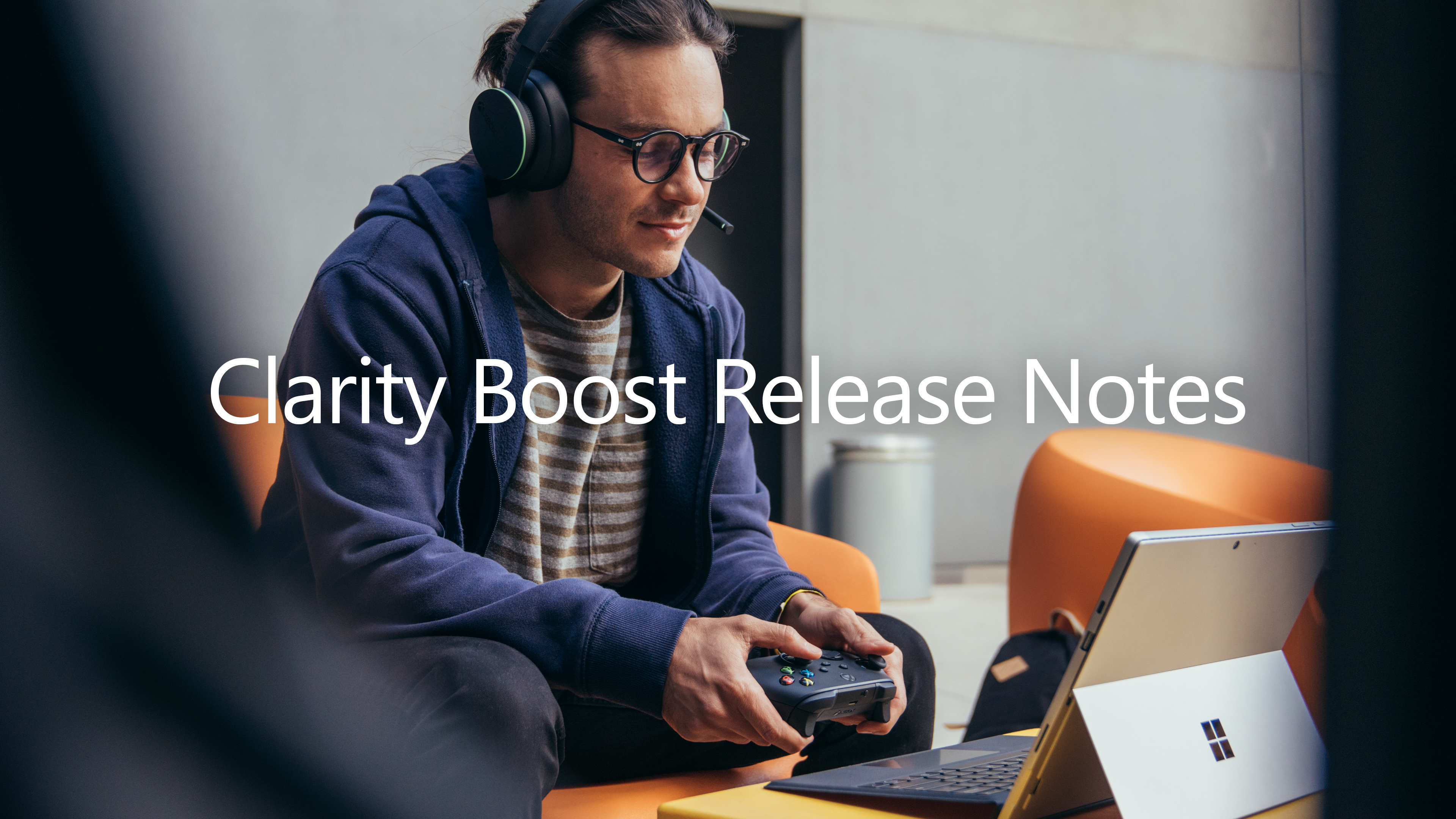
Here are steps on how try the Clarity Boost feature:
- Download Microsoft Edge Canary
- To confirm you are in Microsoft Edge Canary, navigate to edge://settings/help to make sure you are on version 96.0.1033.0 or later.
- To enable Clarity Boost, go to www.xbox.com/play, login and start a game
- Open the more actions (…) menu
- Select Enable Clarity Boost option.
A life-long and avid gamer, William D'Angelo was first introduced to VGChartz in 2007. After years of supporting the site, he was brought on in 2010 as a junior analyst, working his way up to lead analyst in 2012. He has expanded his involvement in the gaming community by producing content on his own YouTube channel and Twitch channel dedicated to gaming Let's Plays and tutorials. You can contact the author at wdangelo@vgchartz.com or on Twitter @TrunksWD.
More Articles

Strange they would offer this only on Edge and not their dedicated apps on PC/Mobile/Console.



I don't get any lag with XCloud, but the image quality and stability was bad when I tried it again a few months ago when they upgraded to 1080p. Looked worse than Geforce/Stadia, had artifacting and audio popped regularly. Same setup runs the other cloud services flawlessly.
I intend to give it another shot and see if it's improved any for me soon.